
Hide the clock, carrier name, and battery indicator at the top of the screen.
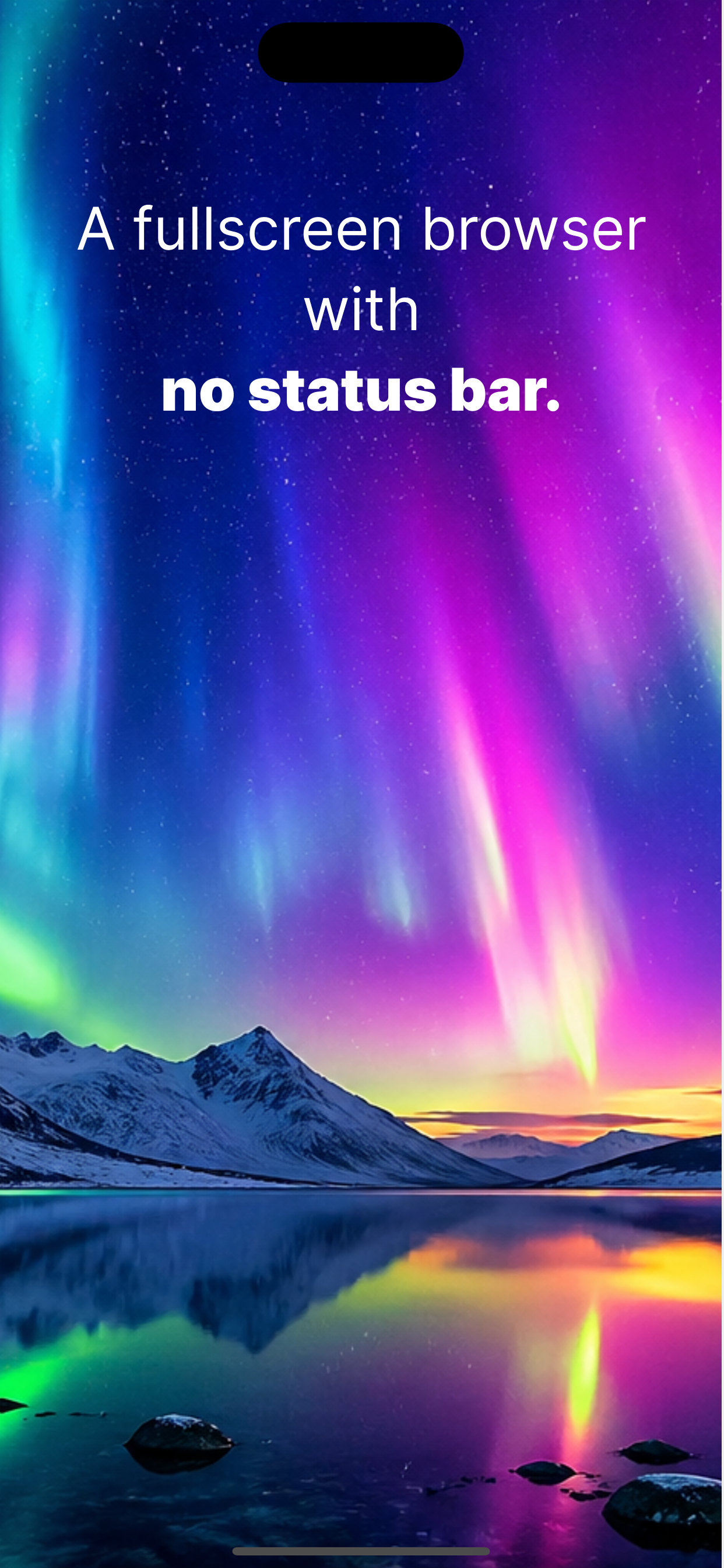
A true fullscreen browser for iPhone and iPad, displaying any website edge to edge.
Built for film sets, digital signage, kiosk displays, and trade show booths.
Free to download and use
For iPhone & iPad
Built for professional environments, packaged in a clean, simple iOS interface.
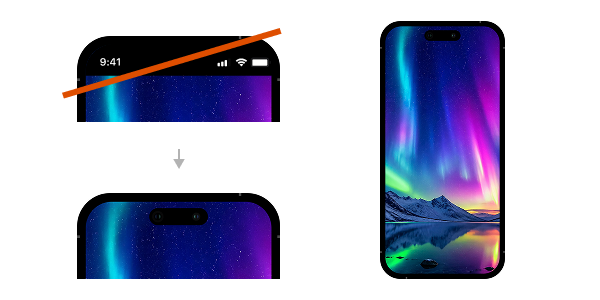
Hides the clock, carrier name, and battery indicator at the top of your iPhone or iPad. Websites display edge to edge.
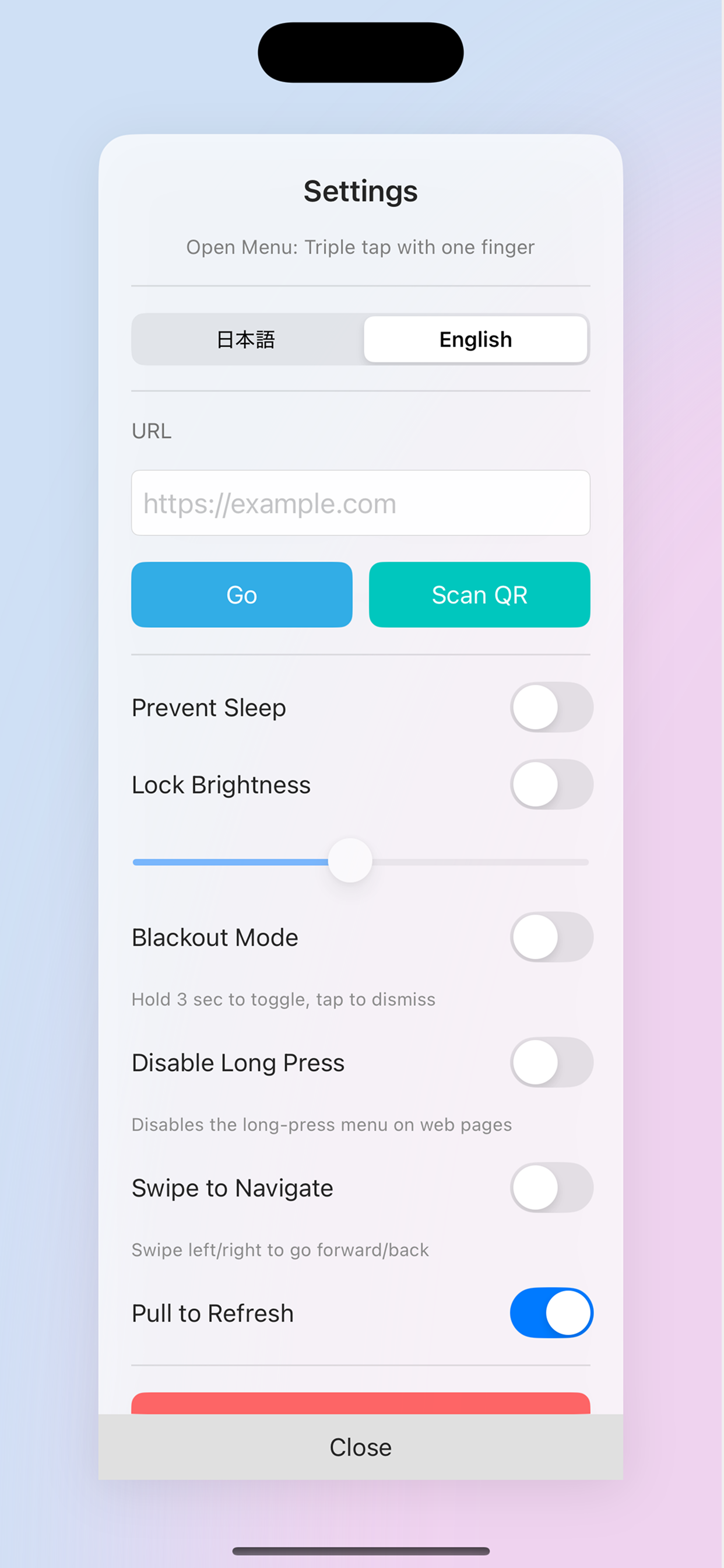
Disable automatic screen lock while the app is running on your iPhone or iPad. Ideal for always-on signage displays.
Lock your screen brightness at any value. Especially useful on film sets and in retail environments where lighting needs to be controlled.
Long press to instantly black out the screen. Save power during standby on iPhone and iPad.
Scan QR codes with your iPhone or iPad camera to load URLs. Fast input even for complex URLs.
Save frequently used sites and access them with a single tap.
Swipe left and right to navigate between pages. Pull down to refresh. iOS-native feel throughout.
Switch between English and Japanese interfaces. Works seamlessly across regions.
For iPhone & iPad
From professional environments to personal use, Orvue fits where standard browsers fall short.
Display scripts, run sheets, or remote monitor feeds on iPhone and iPad. Configurable settings for professional film sets.
Display menus, promotions, and information panels on iPad. Prevent Sleep and Lock Brightness keep displays running 24/7.
Show event information or visitor guides on iPad and iPhone. The fullscreen presentation looks polished and professional.
Use iPhone screens as props in films and shows. No status bar means full creative control over what appears on screen.
Turn an iPad into a reception desk or order terminal. Disable long-press to prevent unintended interactions.
Watch videos and read news with no UI distractions. A more immersive web experience on iPhone and iPad.
Free to start. Upgrade to Pro for ad-free experience and unlimited bookmarks.
$0
Free forever
Monthly subscription
See App Store for current price. Cancel anytime.
| Product | Orvue (iOS App) |
|---|---|
| OS Requirements | iOS 15.0 or later |
| Supported Devices | iPhone / iPad |
| Price | Free / Pro plan available as monthly subscription |
| Distribution | Apple App Store |
| Cancellation | Cancel anytime via App Store subscription settings. |
| Refund Policy | Subject to Apple's App Store refund policy. Please contact Apple directly to request a refund. |
| Languages | English / Japanese |
Common questions about Orvue.
For iPhone & iPad
Free download on the App Store.